Development and Version Control
For this learning outcome, I explored front-end development languages, wrote code and documented it in a version control environment.
During this semester I learned a lot about HTML, CSS and JavaScript. I also made use of Git and made sure the code is clear and accessible. Providing clarity to others and my future self. For every project, I also made a README file where I explain details about the project and how to use it.
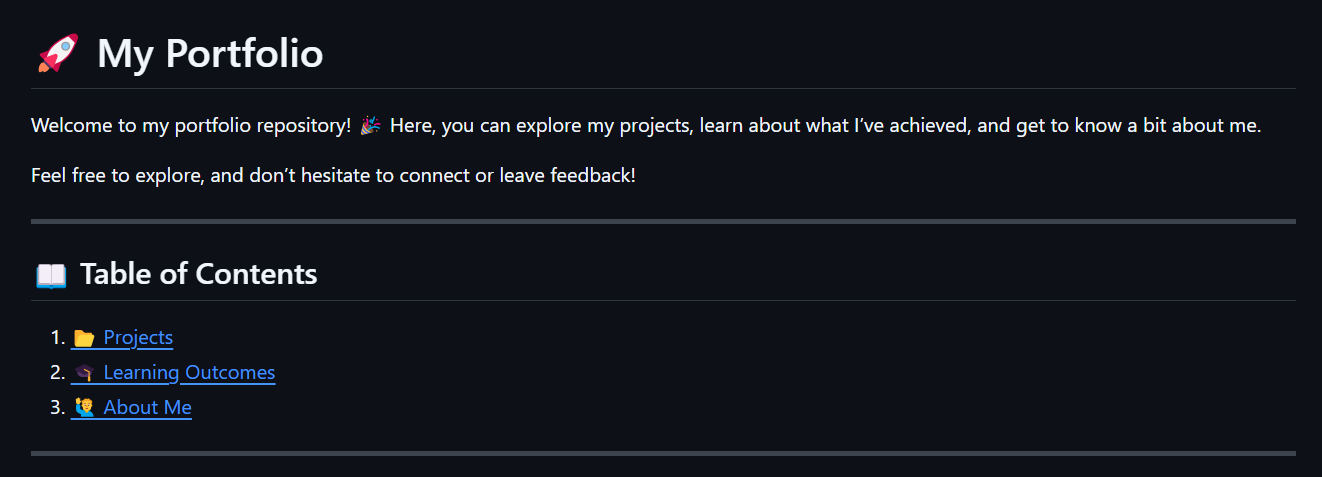
ReadME
Project Portfolio
For the first example, I created a README file for my portfolio website. The README explains the purpose of the project, provides installation instructions, and guides users on how to use it. It is written in Markdown and can be found in the repository of my portfolio website on GitHub. to view the readme file on GitHub, click here.
Git
Project Portfolio
For this project, I used Git to track my progress while working on my
portfolio website.
Git provided version control, offering a reliable way to manage and
organize my work. It allowed me to save and review different versions
of my project, which helped prevent losing progress in case something
went wrong. Git also made it easier to experiment with new ideas in
separate branches, ensuring I could make changes without impacting the
main project. Additionally, it facilitated collaboration, allowing me
to share my code with others and merge their contributions seamlessly.
Overall, Git played a crucial role in keeping my work organized,
secure, and manageable throughout the development process.
I used multiple branches to have a clear overview of the different parts of the project. Everytime I start to work on a different part of the website I create a new branch and when I'm done I merge it back to the main branch. This way I can keep track of the different parts of the project and keep the main branch clean and organized.
Why did I use Github?
The prefered Git environment for me is GitHub. School uses Gitlab but I prefer GitHub because it is more user-friendly and has a better interface. I also like the fact that GitHub has a lot of integrations with other tools and services, which makes it easier to automate workflows and collaborate with others.
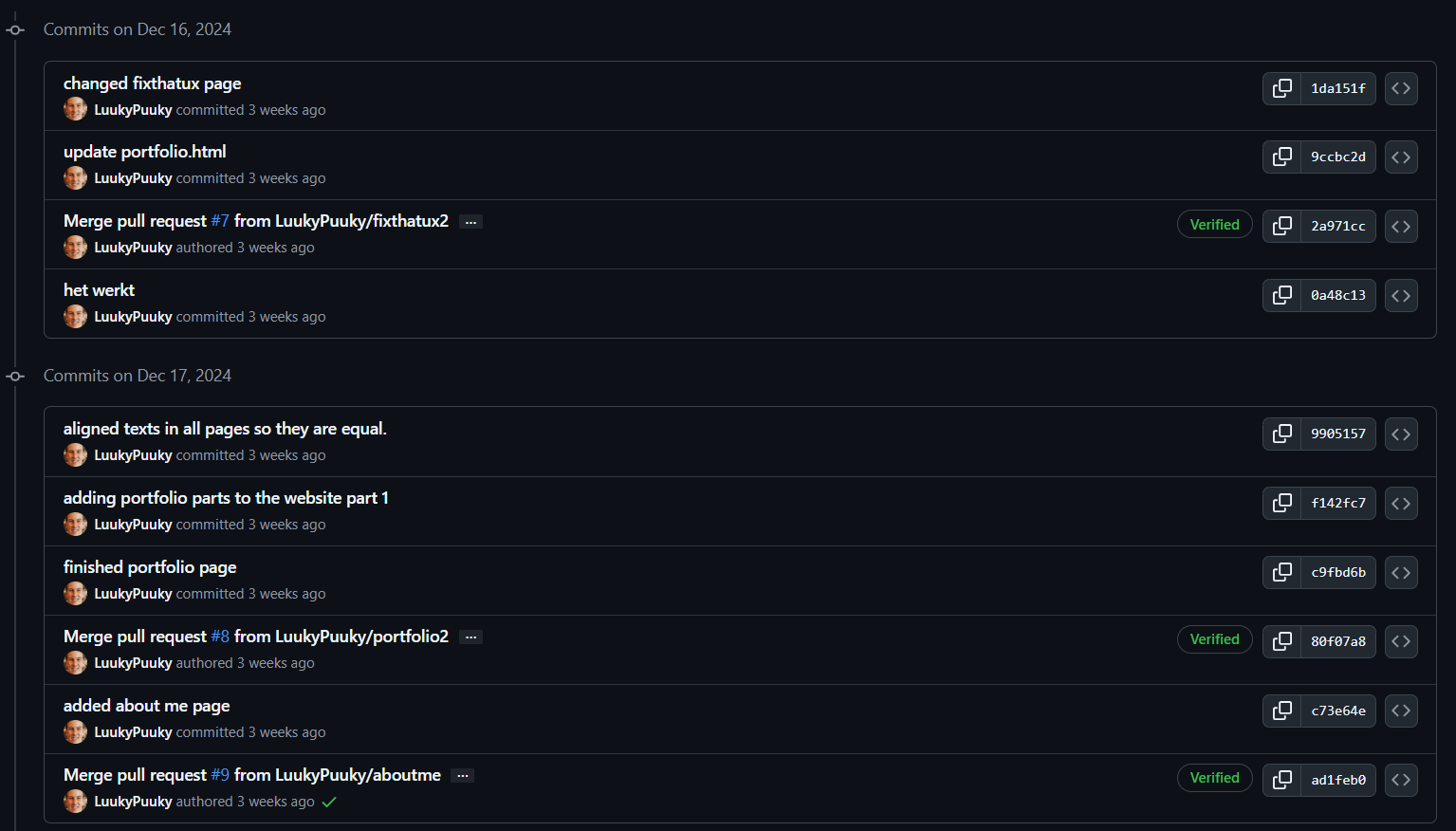
Here is a link to my GitHub profile: github.com/LuukyPuuky
Git Team
Project Fix That UX
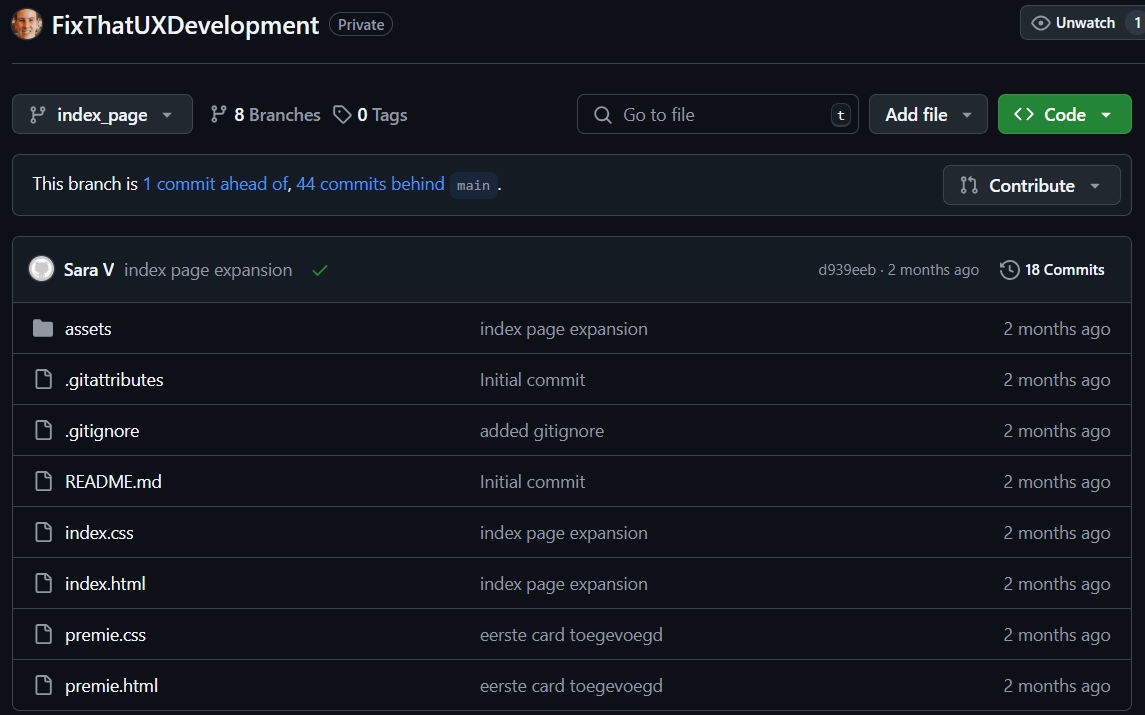
For this example, I also used Git to develop the website for Hike One
Fix That UX, one of our clients that we were asigned to.
Together with Sara V., I worked on creating a website for CZ.nl, an
insurance company in the Netherlands. Unfortunately, Sara and I parted
ways when she decided not to continue with Semester 2, so I ended up
completing the project on my own. Despite this, we had set up our own
branches, and it's clear from the final product that we worked on
different parts of the website. Most of the development was done by
me, but we took steps to ensure we didn’t overwrite each other’s work.
By using branches, we were able to focus on separate sections of the
website and merge them back into the main branch once we had finished.
This approach allowed us to work on the website simultaneously without
interfering with each other's progress.
Basket
Project Fix That UX
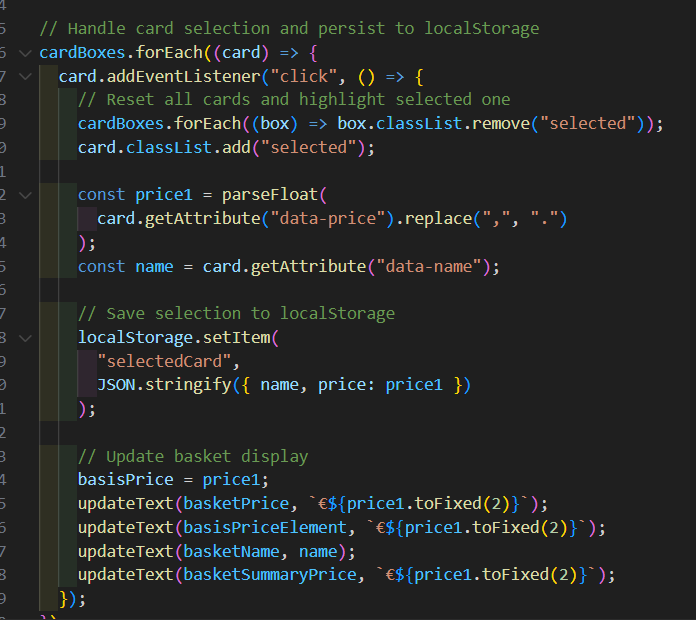
For this final example I did some javascript coding for the website of Hike One, Fix That UX. I created a shopping cart that will stick to the top when you scroll down and automatically adds up the prices if you select different plans for your insurance.
How did I make the basket?
I wrote Javascript code to make the basket. I learned a lot of javascript in class together with Stan and that helped me a lot to create this basket. I also had some help from AI.
Here is a small code snippet from the javascript that I used to create the basket.
To view the whole project go to my Fix That UX project in the projects section or click here.
Tailwind
Project X
In this final example I used Tailwind CSS to style the website of Atomize Design with the use of Tailwind CSS. I originally planned to use SCSS aswell but I ended up discarding that plan. Find out the reasoning behind why I chose that approach at Project X
I also used Git to keep track of my progress and to make sure I didn't make any mistakes. I also made a ReadME that explains what the project is about.
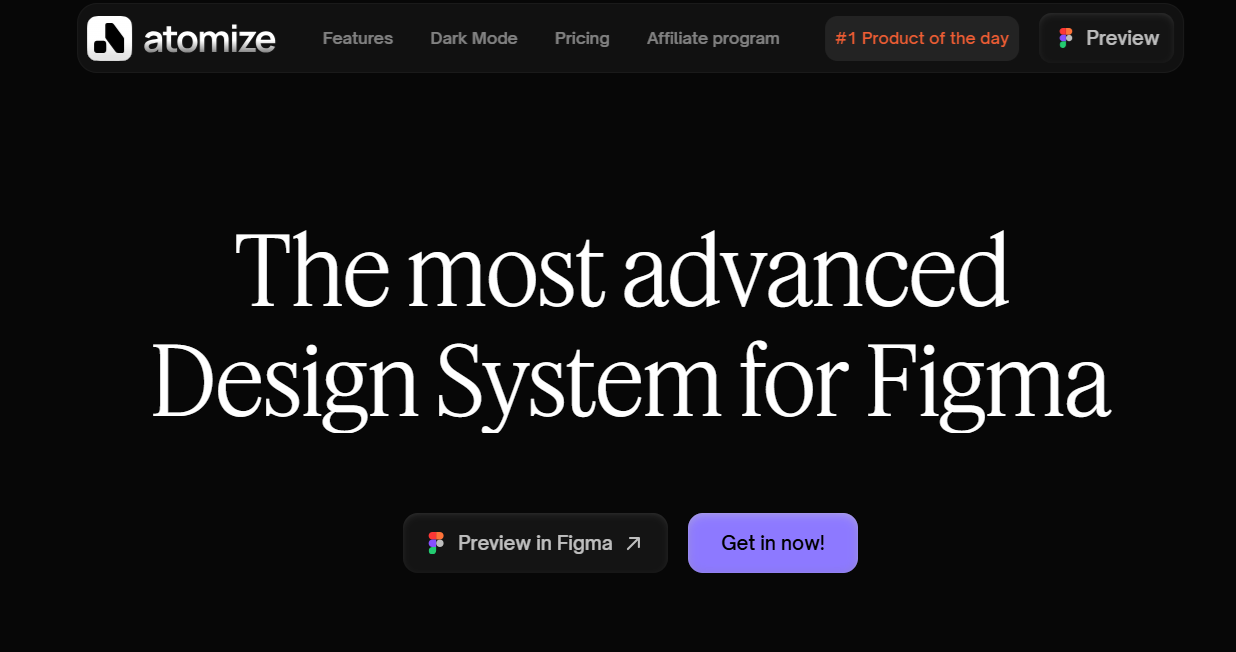
To view the whole project go to my custom domain website of Project X here.
Reflection
Reflecting on this process, I found it quite challenging to get the
branches right. There were times when I mistakenly pulled from the
origin or forgot to fetch updates, which resulted in my entire
document appearing to be "deleted." This led to confusion, especially
when I ended up with multiple branches having the same or similar
names as I tried to sort things out. I also encountered a merge error
that took a significant amount of time to fix. After a lot of
troubleshooting, I finally realized that the root of the problem was
that I hadn’t committed properly in the first place. This oversight
forced me to start over from scratch, which was frustrating but also a
valuable learning experience. It taught me the importance of
committing frequently and double-checking before merging to avoid
costly mistakes in the future.
What do I want to do in the Future?
In the future I want to have a better understanding of Git. Currently I make some small mistakes as I stated in the previous paragraph and I want to make it without mistakes at all.